

On-Demand

Electrical Revit Setup: The 3 Things You Can't Mess Up
Jared breaks down how to properly set up your Revit projects using real-world examples, focusing on the decisions that lead to broken models, coordination issues, and rework if handled incorrectly.

The Contractor's Survival Guide to Your First BIM Project
Jared Sutliff from BIMTM and Bobby Roop from Slifco Electric break down what electrical contractors need to know before bidding, staffing, and executing their first BIM project.

MEP Model Health: A Practical Checklist for Better Revit Project Performance
From bloated file sizes and warning overload to disconnected systems, slow sync times, and “who set this up like this?” moments, this session covers practical ways to improve model health...
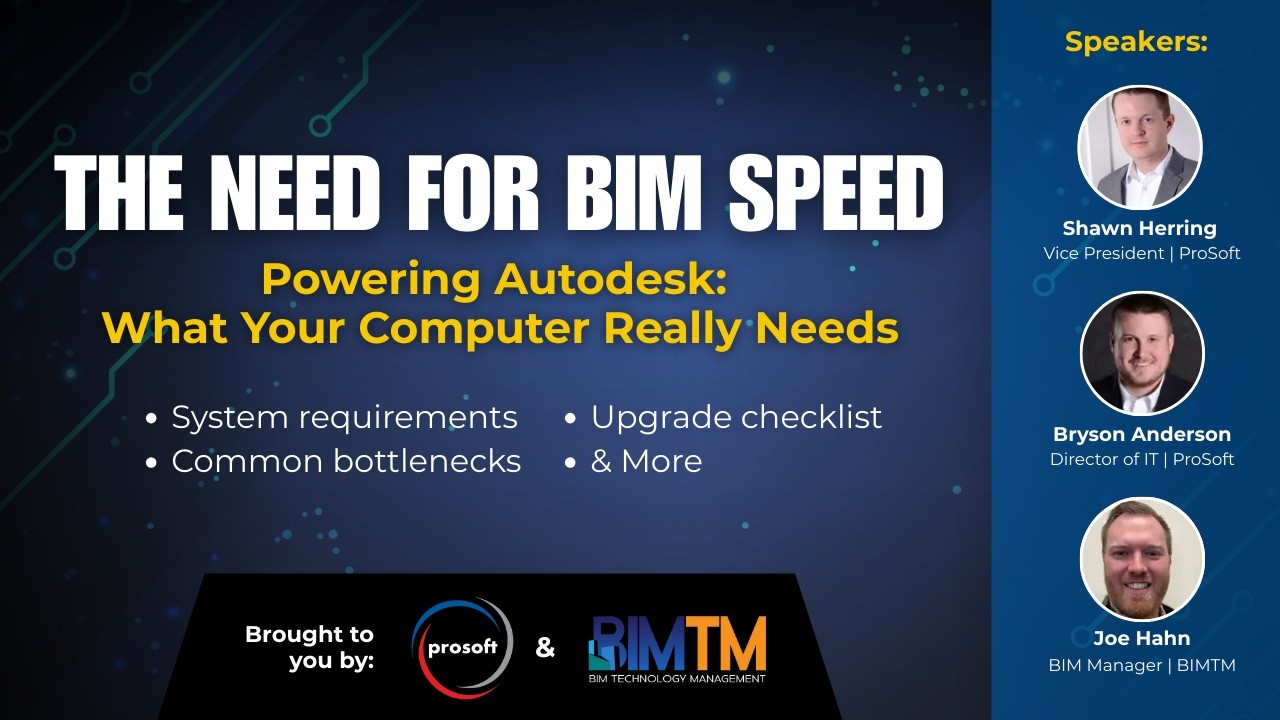
The Need for BIM Speed! Powering Autodesk: What Your Computer Really Needs
BIMTM and ProSoft break down how to think about BIM hardware based on real AEC workflows. Covering what actually matters when choosing CPUs, GPUs, RAM, storage, and whether a desktop or laptop makes the...

Zero-Rework Electrical Closets: The Kickoff Checklist
In this BIMTM x EVOLVE webinar, Jared and Caleb walk through the Electrical Closet Kickoff Checklist and break down what actually needs to be discussed before modeling, coordination, and prefab begin.

BIM Pre-Construction Checklist: What to Know Before You Bid
Donnie Bogle-Boesiger from BIMTM breaks down everything MEP contractors need to review during pre-construction when BIM is required. Whether you're bidding your first BIM project...

The 4 Phases of BIM Implementation (What Contractors Need to Know)
In this episode, Jeff (President and Co-founder), Jared (Vice President and Co-founder), and Donnie (Operations Director) from BIMTM talk through the four phases of BIM implementation...

Why Your Team Needs Navisworks: An Overview for Field Teams & Management
In this webinar, Jared Sutliff from BIMTM shares insights on how to streamline communication between office and field teams, make informed software decisions, and improve project efficiency and ROI using Navisworks.